Gym management software pages tend to list the same features. What separates one from another is how well it fits the way your gym runs day to day. These ten questions help you check that, whichever product you are considering.
Start with what you need
Write down the three things that cost you the most time or money today. For many owners they are chasing renewals, matching payments to members and seeing how each branch is doing. Judge every product against that list first.
The ten questions
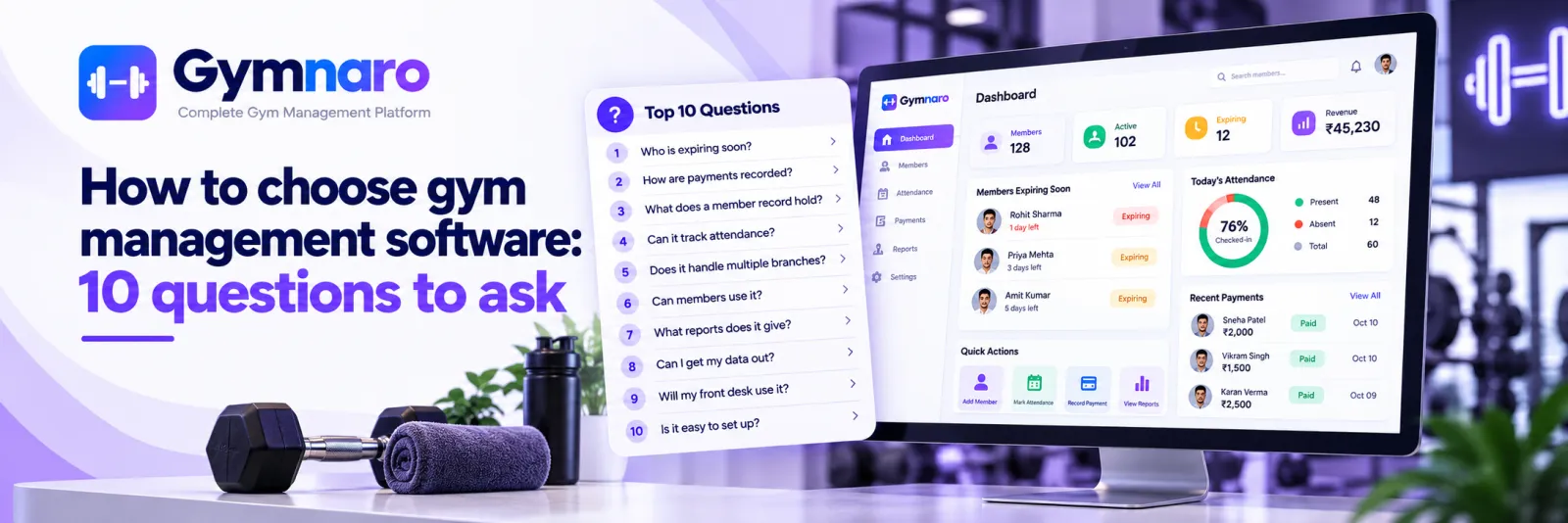
- Can it show me who is expiring soon? Look for an end date on every membership and a view of those expiring in the coming days.
- How does it record payments? You want amount, date, payment mode, discount and status, and a receipt.
- What does a member record hold? Check for phone, photo, address, date of birth and joining date.
- Can it track attendance? Ask how it is marked and whether members can see their own.
- Does it handle more than one branch? Ask whether records stay separate and whether one login covers them all.
- Can members use it? Ask what members can see, and how they sign in.
- What reports does it give? Look for income and expenses over a date range.
- Can I get my data out? Ask about exports.
- Will my front desk actually use it? Try it with the person who will use it every day.
- What does it cost, and what is included? Check what the free or entry plan really contains.
Try before you commit
Add ten real members and record a week of real payments. A short trial with real data shows what a demo does not: how fast common tasks are, and where staff get stuck.
A one-page scorecard
For each product, score the ten questions from 0 to 2: 0 means no, 1 means partly, 2 means yes. Add a column for how easy it was for your front desk to do the task. The totals do not decide for you, but they make disagreements visible.
Mistakes buyers make
- Choosing on the longest feature list. Features you will never use add clutter.
- Only the owner tests it. The front desk will use it most, so they should try it.
- Judging by price alone. A cheap tool nobody uses costs more than a good one that is used.
- Moving all data first. Test with a small set before committing everything.
Compare the real cost
Look beyond the monthly fee. Count the time staff will need to learn it, whether there is a charge for extra branches or users, and what it costs to leave if it does not suit. A free plan is worth trying because it lets you test with real data at no risk, but check exactly what it includes.
Questions to ask any vendor
- What exactly is included in the plan I will use?
- How do I export my members and payments?
- How is support provided, and in which languages?
- What happens to my data if I stop using it?
Red flags
- You cannot see the price or what is included before signing up.
- Your members and payments cannot be exported.
- Records for different branches are mixed together.
- Only the owner can use it, and the front desk cannot.
How Gymnaro answers the ten questions
Each membership has start and end dates and the dashboard shows those expiring in the next 7 days. Payments are recorded with amount, date, mode, discount and status, with receipts. Member profiles hold phone, photo, address, date of birth and joining date. Attendance is marked present, absent or late. One owner account can run several gyms with separate records for each. Members sign in with their mobile number to see their own details. Profit and loss is available for any date range, and members and payments export to CSV. There is a free plan. See all features and pricing.
If you are still weighing paper or Excel against an app, read register vs Excel vs Gymnaro.
← All posts · Guides · Pricing